

Veteran & woman-owned · Florence, Oregon

Course Guides

The same patient, plain-English teaching Jolene gives in person — now on your own schedule, at your own pace, as many times as you like.

These courses can be accessed from any device — phone, tablet, or computer. They are mobile-friendly and app-based.

Windows 11 Made Simple course guide

Windows 11 Made Simple

Confidence for every new computer user.

Step-by-step lessons that walk you through your Windows 11 computer from the very beginning — the desktop, files and folders, settings, email, and staying safe online. Nothing is assumed, nothing is rushed.

  • Step-by-step lessons
  • Built for beginners
  • No tech experience needed
  • Click, navigate, and get things done
  • Navigate with confidence
  • Friendly and easy to follow

We're officially live — start learning today!
Mac Made Simple course guide

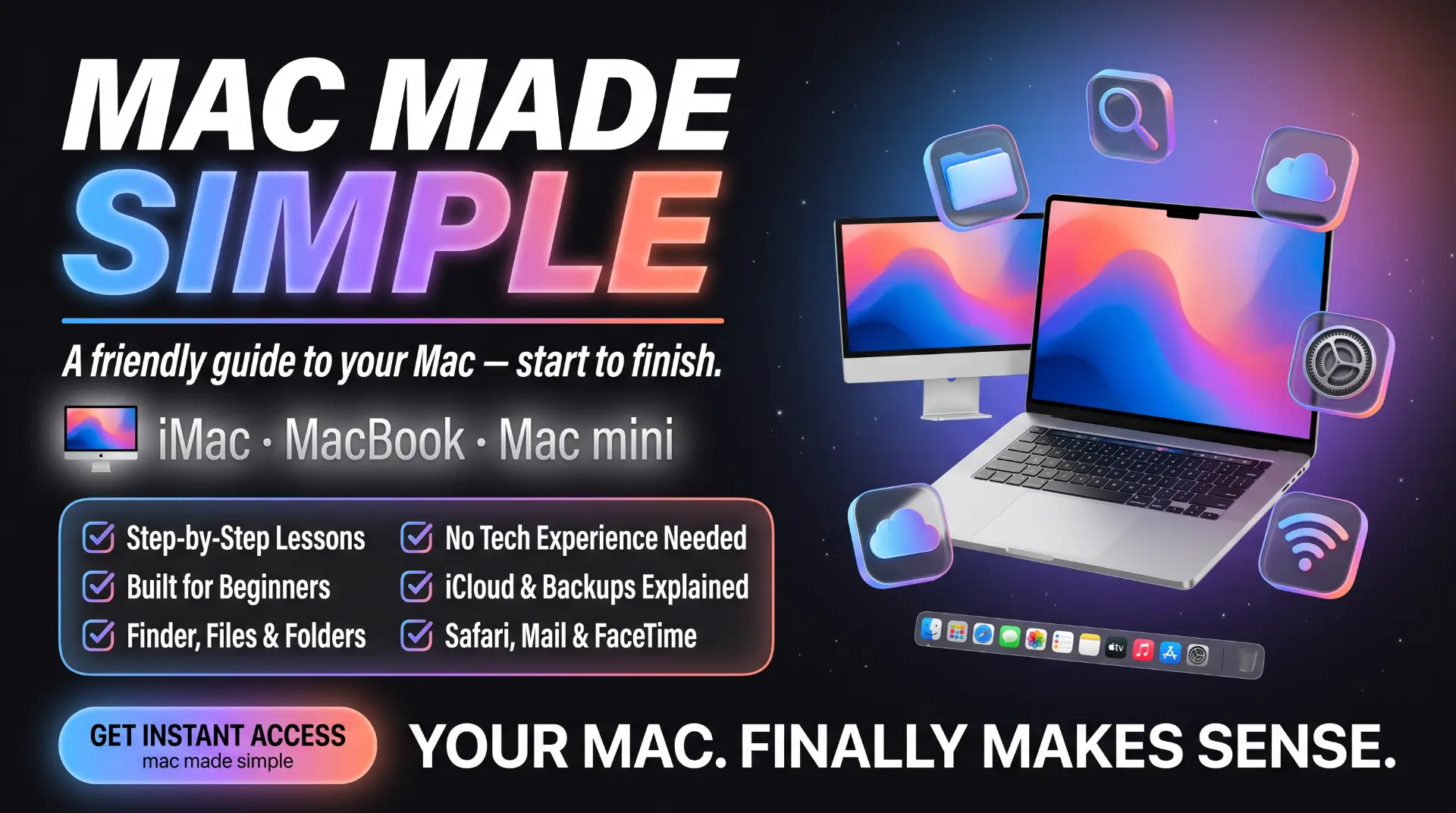
Mac Made Simple

A friendly guide to your Mac — start to finish.

Your iMac, MacBook, or Mac mini finally makes sense — Finder, files and folders, iCloud and backups, Safari, Mail, and FaceTime, all walked through step by step.

  • Step-by-step lessons
  • Built for beginners
  • Finder, files & folders
  • No tech experience needed
  • iCloud & backups explained
  • Safari, Mail & FaceTime

We're officially live — start learning today!
Apple Devices Made Easy course guide

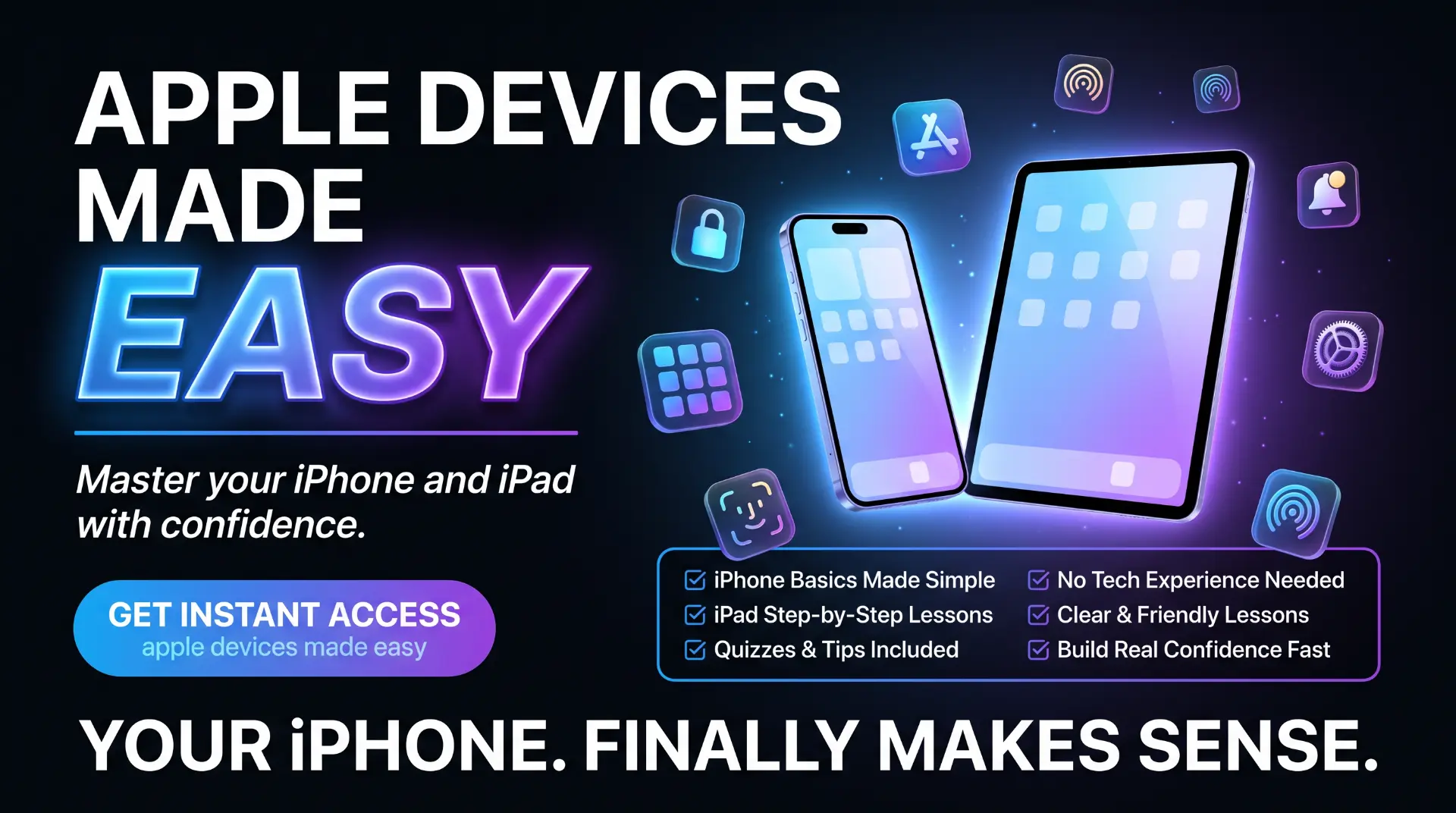
Apple Devices Made Easy

Master your iPhone and iPad with confidence.

Everything you actually use your iPhone and iPad for — photos, messages, FaceTime with the grandkids, apps, storage, and keeping your Apple account secure — explained in plain English.

  • iPhone basics made simple
  • No tech experience needed
  • iPad step-by-step lessons
  • Clear and friendly lessons
  • Quizzes and tips included
  • Build real confidence fast

We're officially live — start learning today!
Android Made Easy course guide

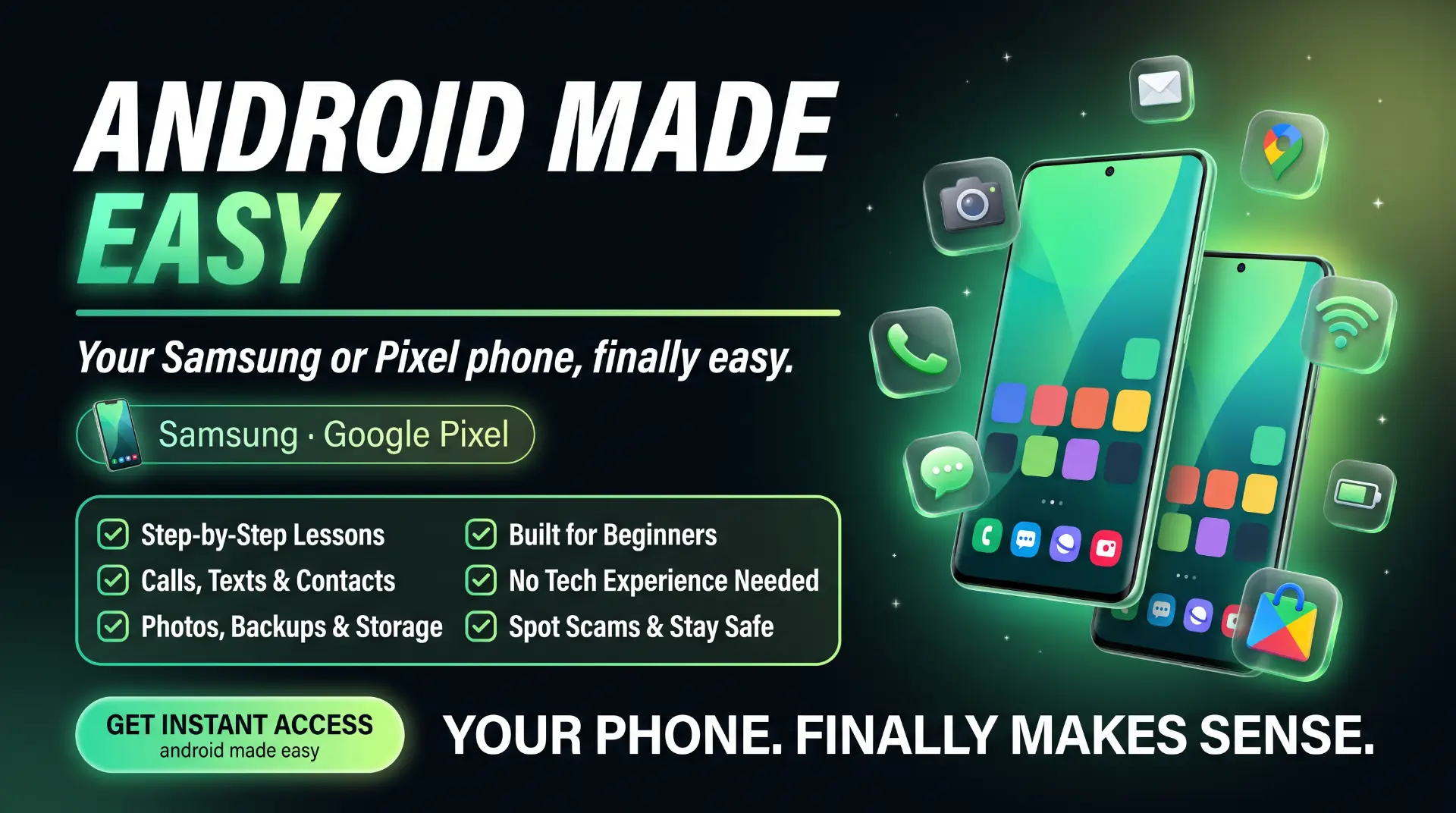
Android Made Easy

Your Android phone, finally easy.

Calls, texts, and contacts, photos, backups and storage — plus how to spot scams and stay safe. Made for any Android phone, no tech experience needed.

  • Step-by-step lessons
  • Built for beginners
  • Calls, texts & contacts
  • No tech experience needed
  • Photos, backups & storage
  • Spot scams & stay safe

We're officially live — start learning today!

The Vault Method course guide

The Vault Method

Lock down your passwords and spot scams before they strike.

Learn how to create strong passwords, use a password manager, turn on two-factor authentication, and recognize phishing and scam attempts — all in plain English, no tech experience needed.

  • Step-by-step lessons
  • Built for beginners
  • Set up a password manager
  • Strong passwords made easy
  • Autofill on phone & computer
  • Spot phishing & scams

We're officially live — start learning today!

Would you rather learn one-on-one?

Sometimes it's easier when someone sits beside you. We offer one-on-one tutoring in person at the shop. After tutoring in person at the shop, click the button below to book a day and time that works for you.